Live Camera
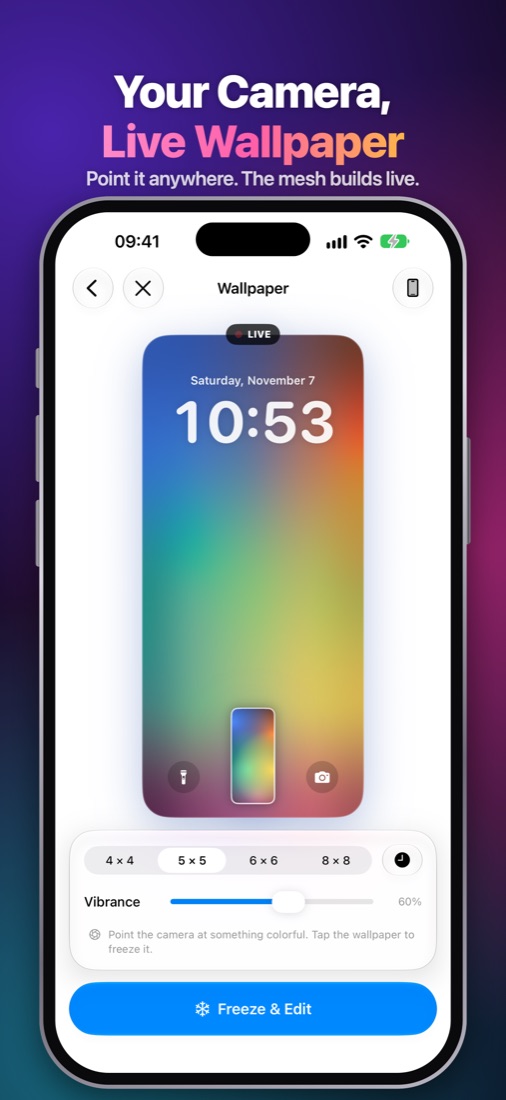
Point your camera and the mesh builds live from the scene. Tap to freeze the moment and keep editing.
 Cam Mesh
Get the app
Wallpaper maker for iPhone, iPad and Android
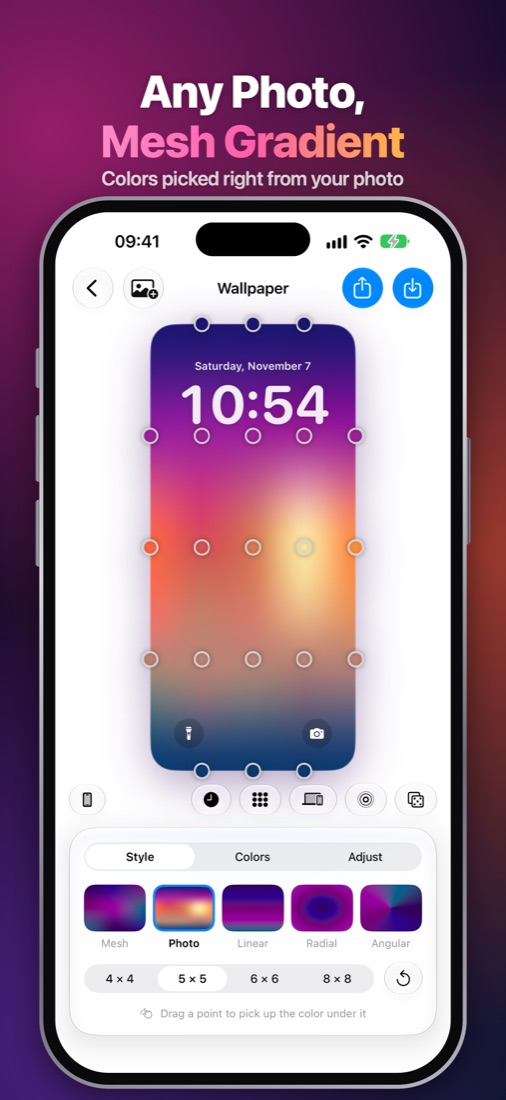
Cam Mesh turns any photo, or whatever your camera sees, into a smooth mesh wallpaper and grabs its exact colors. Try it right here, then take it further in the app.
Or make one in your browser ↓Free, right in your browser
Your photo never leaves your device. Everything is made on this page.
Drop a photo here
or paste one
Drag the dots on the preview to shape the mesh.
In the app, Make It Live turns this into a Live Photo wallpaper. Point the Live Camera at anything and watch the wallpaper build itself.
In the app
Point your camera and the mesh builds live from the scene. Tap to freeze the moment and keep editing.
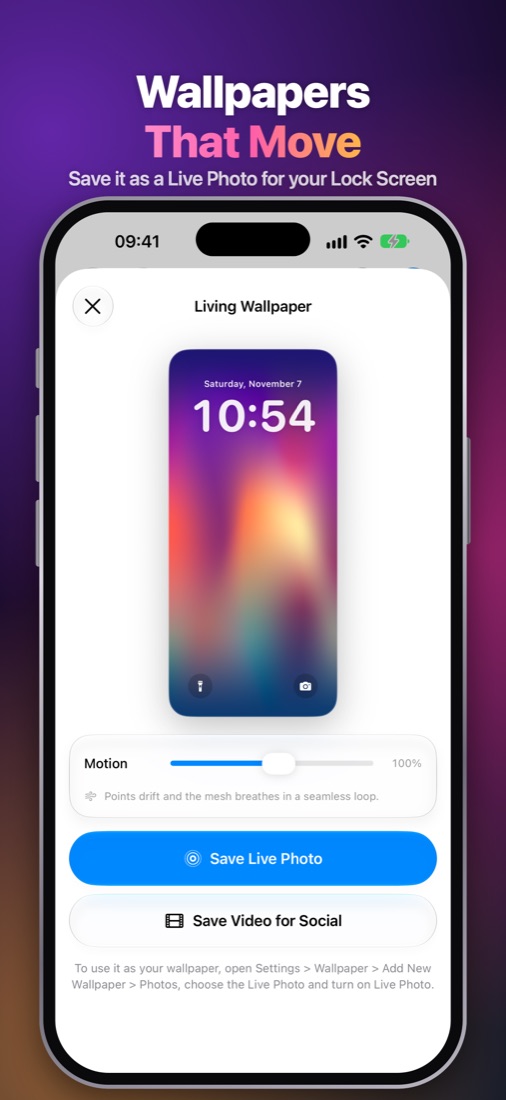
Your mesh drifts, pulses, swirls or glows. Save it as a Live Photo for the Lock Screen, or as a video.
Record three seconds of a sunset or city lights and keep it as a moving wallpaper.
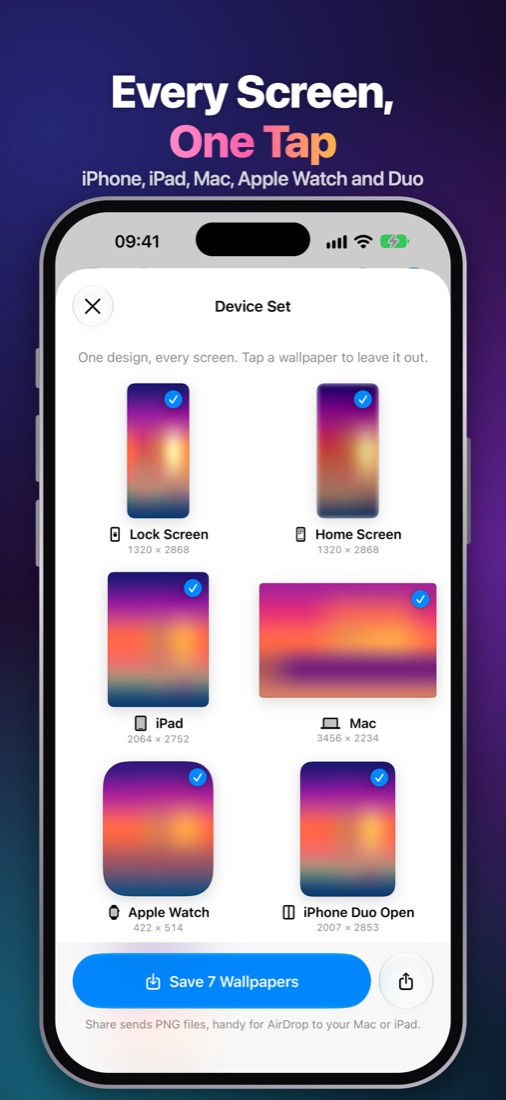
One design, every screen: iPhone Lock and Home Screen, iPad, Mac, Apple Watch and iPhone Duo.
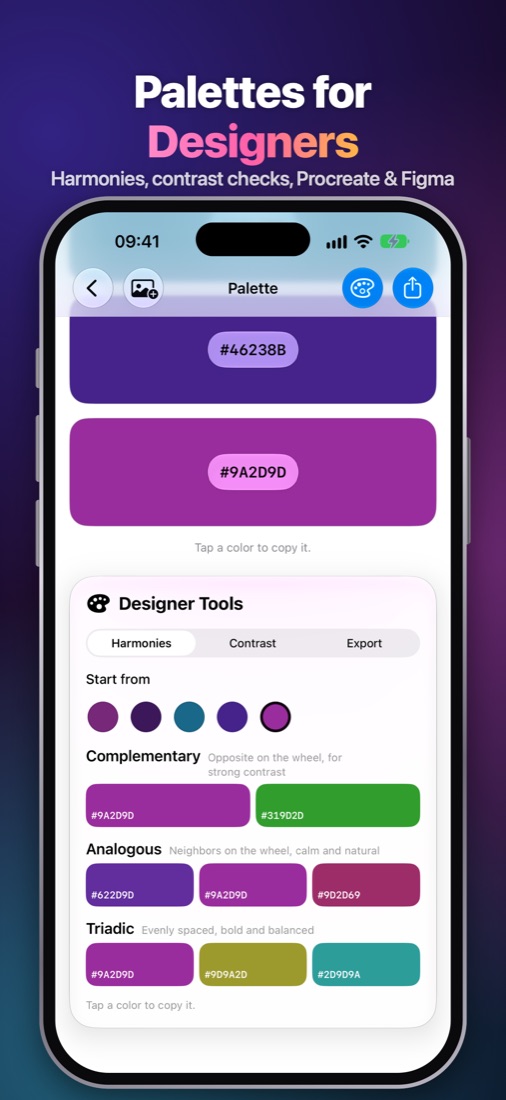
Copy any photo's colors as Hex, RGB, HSB, CMYK, SwiftUI or Compose, and share them as a card for Instagram and Pinterest.
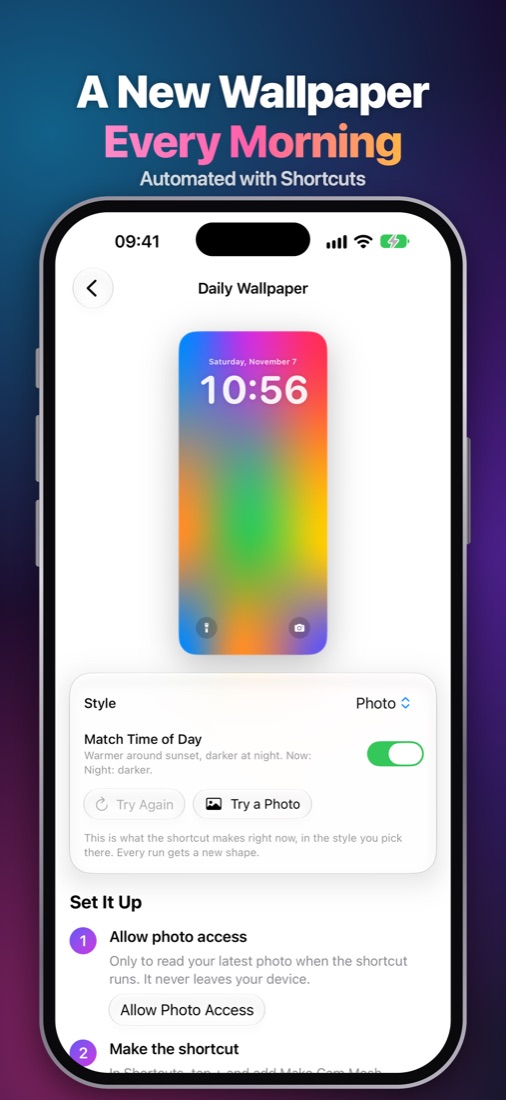
A Shortcuts action makes a fresh wallpaper from your latest photo every morning.
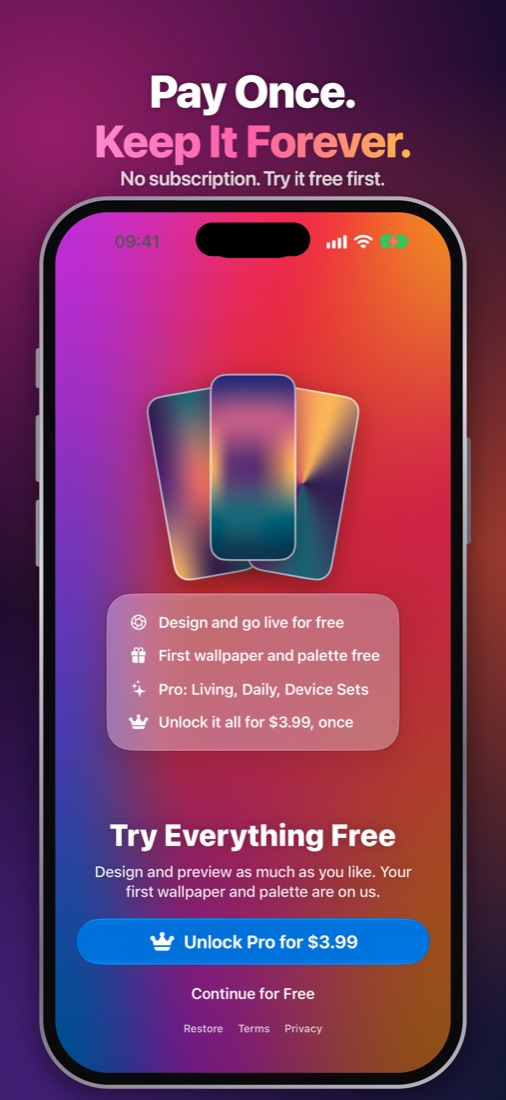
Design and preview for free. Cam Mesh Pro in the app and Web Pro on this site are single purchases with every future update included. No subscription, ever.
Your photos and camera view are processed on your device and never uploaded. No account, no ads, no tracking.
Yes, you can design and preview as much as you like, Live Camera included, and your first wallpaper and palette are free. Cam Mesh Pro is a one-time purchase for unlimited saves and every Pro feature.
Free downloads at phone sizes carry a small "Made with Cam Mesh" mark. Web Pro is a one-time purchase that removes it and adds iPad, Mac and desktop sizes up to 5K, a Device Set ZIP with every screen, hex codes, Procreate, Adobe, CSS and Figma palette exports, and Palette Cards. Your license key works in up to 5 browsers.
No, they're separate purchases. Web Pro unlocks this website; Cam Mesh Pro in the app unlocks Living Wallpapers, Live Capture, Daily Wallpaper and the rest on iPhone and iPad.
Cam Mesh for Android is coming soon. Meanwhile, the maker on this page works on any phone, including Android.
After you tap Save Live Photo, open Settings › Wallpaper › Add New Wallpaper › Photos, pick the Live Photo and make sure the Live Photo button is on.
No. In the app and on this page, colors are read from your photo on your own device. Nothing is sent to a server.
Open Cam Mesh, tap Restore on the main screen, and sign in with the same Apple Account.
Your camera, live wallpaper.